
Comparison

Top AI Solutions for Real Estate Agents in 2026

Apr 21, 2026

Real estate is changing fast, and AI is now part of everyday work for a lot of agents. NAR’s 2025 REALTOR® Technology Survey shows that AI use is already mainstream in the industry, especially for content, workflow support, and client-facing tasks. NAR also points to AI use in market analysis, property valuation, and predictive analytics, which shows how much broader the category has become.

That matters because AI is no longer just for cranking out listing descriptions. In today’s market, agents use it to qualify leads, automate follow-up, create virtual staging, speed up marketing, and support pricing or neighborhood research. Real estate tech vendors are also pushing tools that can build floor plans and visual assets much faster than older manual workflows.

So whether you are a solo agent trying to save time or a brokerage trying to scale without adding more admin chaos, AI tools are now worth a serious look. Below is a practical guide to the best AI solutions for real estate in 2026, plus the mistakes that can waste time, money, or trust if you use them badly. 

Why use AI in Real Estate?

Real estate still runs on trust and relationships. AI helps by taking repetitive work off your plate so you can spend more time with actual clients. NAR’s 2025 technology survey says 66% of REALTORS® adopt new tech to save time, 64% to improve the client experience, and CRM is the second-most-used lead-generation technology after social media.

Here is where AI helps most:

  • Always-on lead nurturing. Most leads are not ready right away. AI tools can handle after-hours replies, follow-up messages, and early qualification, then pass the conversation to you when the lead is worth your time. Salesforce’s real estate case studies now pitch AI agents for after-hours conversations, tour scheduling, and lead prioritization.
  • Lower marketing costs. Physical staging can get expensive fast. Realtor.com says home staging often starts with a $300 to $600 consultation, plus around $500 to $600 per staged room per month. AI staging is much cheaper and much faster, which makes it useful for listings that need better visuals without a big upfront cost.
  • Smarter pricing and market decisions. AI can also help with the numbers side. NAR highlights predictive analytics as a real estate use case for analyzing market conditions, property values, and investment opportunities with more precision. That can help agents price listings better, spot patterns sooner, and make stronger recommendations.
  • Faster property marketing and admin work. This is where AI saves a lot of time. Matterport now pushes AI-powered property data, exportable floor plans, measurements, listing assets, and faster marketing workflows. It is also getting easier to create floor plans from a smartphone scan instead of ordering everything manually.

So the real reason to use AI in real estate is pretty simple: less admin, faster turnaround, lower costs in some workflows, and more time for the part of the job that still matters most, which is talking to people.

ai in real estate pros and cons

Top 5 AI tools for realtors in 2026

Based on current feature sets, adoption in the market, and how useful these tools are for real estate work, these five stand out right now.

Ylopo (with Raiya)

Ylopo is built for real estate lead gen and long-term nurture. Its big draw is Raiya, the AI follow-up layer that helps teams keep leads warm over time instead of letting them go cold in the CRM. Ylopo also combines paid lead gen, IDX websites, retargeting, and CRM integrations in one system.

Key features:

  • AI text and AI voice follow-up
  • Long-term lead nurture
  • Facebook and Google remarketing
  • IDX websites
  • CRM integrations
  • Behavioral tracking on site activity

Pricing: Starts around $395/month (plus ad spend).

Best for: Teams and bigger agents who want full-funnel lead generation plus automated follow-up. Ylopo itself also notes that solo agents need to be careful with the economics and lead volume.

ProsCons
Strong AI follow-up for cold leadsCost is not very transparent upfront
Built for real estate, not generic salesBetter fit for larger budgets
Combines ads, nurture, and websitesCan be too much for smaller agents
Good CRM coverageSetup takes work

Lofty

Lofty is an all-in-one real estate platform with AI built into the CRM, lead management, websites, and follow-up flow. Its AI Assistant and AI Sales Agent focus on lead search, lead health, communication drafting, and database action, so it is more than just a chatbot slapped onto a CRM.

Key features:

  • AI Assistant inside the platform
  • AI Sales Agent for capture and nurture
  • Smart CRM
  • Lead scoring and filtering
  • IDX websites
  • Transaction and communication tools

Pricing: Starts around $449/month.

Best for: Growing teams and brokerages that want CRM, AI, websites, and lead handling in one place.

ProsCons
Strong all-in-one setupNo clean public pricing
AI is built into the CRM workflowCan be expensive for smaller agents
Good for teams that want one platformOnboarding and setup take time
Nice fit for high-volume operationsNeeds tuning to work well

Virtual Staging AI

Virtual Staging AI focuses on one thing: turning empty or cluttered listing photos into staged images fast. It is cheap, quick, and easy to test, which is why it makes sense for agents who want a visual boost without paying for physical staging. The company says renders take around 10 seconds and pricing starts at $16 per month for 6 photos.

Key features:

  • AI virtual staging
  • Furniture removal
  • Multiple design styles
  • Fast rendering
  • No watermark on paid plans
  • Free image editing trial

Pricing: Starts at $16/month for 6 photos on the current pricing page.

Best for: Listing agents, photographers, and property marketers who need fast, low-cost visuals.

ProsCons
Very fast turnaroundLess control than human staging
Much cheaper than physical stagingSome renders can look off
Easy to useSubscription model may not suit everyone
Furniture removal is usefulBest results still depend on source photo quality

CubiCasa

CubiCasa is one of the most practical tools on this list. It lets agents scan a property with a phone and turn that into floor plans and related assets. The company says scans take about 5 minutes and final plans usually come back in 6 to 24 hours. It also offers multiple outputs, including 2D and 3D floor plans, tours, and GLA-related products.

Key features:

  • Smartphone-based property scanning
  • 2D and 3D floor plans
  • Tours and extra media products
  • GLA-related outputs
  • No special hardware required
  • Add-ons and customization options

Pricing: LITE floor plans are free in the US (under 5k sq ft). Premium add-ons (3D, fixed furniture) cost between $15 to $30.

Best for: Listing agents who want floor plans and visual listing assets without hiring a separate draftsperson.

ProsCons
Easy phone-based workflowFinal delivery is not instant
Good value for listingsComplex properties can still be harder to scan well
Free entry point is appealingQuality depends on the scan
Useful add-ons beyond basic plans

General LLMs for Custom Real Estate Workflows (ChatGPT / Claude)

This one is broader, but still real. Many agents already use general-purpose AI tools for listing descriptions, follow-up drafts, social posts, document summaries, and marketing copy. NAR’s 2025 technology survey confirms AI is already in use across the industry, and general LLMs are often the cheapest entry point because they are flexible and easy to start with.

Key features:

  • Listing description drafts
  • Email and social copy
  • HOA and inspection-summary help
  • Translation support
  • Brainstorming and admin help
  • Voice and tone customization through prompting

Pricing: $20/month for Pro versions, or pay-per-token via API.

Best for: Almost any agent who wants faster writing, faster admin work, and cheap automation for day-to-day tasks.

ProsCons
Very flexibleNeeds good prompting
Low cost compared with vertical platformsCan make factual mistakes
Good for content and admin workDoes not connect to MLS tools by default
Easy to start withNeeds review before anything client-facing

How to choose the best tool

With so many AI tools for real estate now, it is easy to end up with too many subscriptions and not enough actual value. The easiest way to choose well is to start with the problem, not the tool. NAR’s 2025 technology survey shows agents adopt tech mostly to save time and improve the client experience, so the best tool is the one that fixes the part of your workflow that slows you down most.

Find the bottleneck first

Do not buy a platform just because it looks impressive. Ask yourself:

  • Are leads going cold because replies take too long?
  • Are listings weak because photos look empty or flat?
  • Are you wasting time on floor plans, listing prep, or admin work?
  • Are you paying for tools that overlap?

Then match the tool to that one problem. A simple way to think about it:

  • Slow lead response or weak nurture: look at Ylopo or Lofty
  • Empty listings that need better visuals: look at Virtual Staging AI
  • Listings missing floor plans or space visuals: look at CubiCasa
  • Daily writing, follow-up, and document help: start with ChatGPT or Claude

That is usually a smarter move than buying a giant “all-in-one” platform right away. Ylopo itself frames its product around lead gen, nurture, and integration with your current stack, not replacing every other system you use.

Check integrations before you pay for anything

A tool that sits off to the side and does not connect to your CRM will create more work, not less. Before you commit, check:

  • native CRM integrations
  • Zapier support, if needed
  • two-way sync, not just one-way lead dumps
  • website and IDX compatibility
  • how notes, tags, and source tracking move into your database

This matters a lot for lead-gen tools. Ylopo says it integrates with major real estate CRMs, including Follow Up Boss, Lofty, Sierra Interactive, and others, so teams can layer it on top of what they already use.

Be honest about team size

This is where a lot of agents overspend. If you are a solo agent, a big AI CRM with a heavy monthly cost may be too much too soon. A lighter stack often makes more sense:

  • ChatGPT or Claude for content and admin help
  • CubiCasa for floor plans
  • Virtual Staging AI for listing visuals

If you run a team or brokerage, then a platform like Ylopo or Lofty can make more sense because the cost is easier to justify when more leads, more agents, and more follow-up are involved. Ylopo even has content aimed at whether the platform makes sense for solo agents, which tells you the company knows it is not automatically the right fit for everyone.

Look at total cost, not just the monthly fee

A low sticker price can still cost you money if the tool adds manual work or does not solve the real issue. Check:

  • monthly subscription
  • ad spend requirements
  • onboarding time
  • extra seats or add-ons
  • whether it replaces another paid tool
  • how quickly it can help you close or convert more business

For example, CubiCasa has a free entry point and a fast scan workflow, which makes it easier to test without a big commitment.

Start small, then scale

You do not need the perfect stack on day one. A practical rollout looks like this:

  • fix one expensive or annoying bottleneck
  • measure whether the tool saves time or wins more business
  • keep it only if the result is clear
  • add another AI tool only after the first one proves useful

That approach keeps your stack lean and cuts down on subscription fatigue.

how to choose ai tools

Common issues and how to fix them

A quick look through real estate discussions shows the same pattern: AI is useful, but it goes bad fast when agents use weak prompts, let bots sound too human, or trust AI with negotiation judgment it does not have. r/realtors threads also push back hard on fake-sounding listing copy and on AI advice with no local context.

The issue: “ChatGPT writes terrible, fluffy listing descriptions that sound fake.”

The fix: The problem is usually the prompt. If you ask for a generic listing, you get generic real estate fluff back. Give the model structure and limits. A better prompt includes:

  • property type and price point
  • target buyer
  • must-mention upgrades
  • nearby location perks
  • words to avoid
  • tone limits
  • paragraph count

For example: ask for a short MLS description, name the upgrades that matter, and ban cliché terms like “stunning,” “boasts,” or “hidden gem.” That approach lines up with what agents on r/realtors complain about most: AI copy becomes obvious when it sounds like every other listing online.

The issue: “My AI chatbot is annoying clients.”

The fix: Do not let the bot pretend to be you. Make it clear that it is an assistant, and set strict handoff rules. Good rules look like this:

  • disclose that the lead is chatting with an AI assistant
  • keep the bot to basic qualification and scheduling
  • hand off fast when the user asks a detailed or emotional question
  • do not let the bot guess on contracts, pricing, or legal details

This also fits the broader ethics side of real estate marketing. NAR’s Code of Ethics requires truthful, non-misleading advertising and clear disclosure in online communications, so pretending a bot is a human agent can create risk you do not need.

The issue: “AI drafted a ridiculous repair request list from the inspection report.”

The fix: Do not use AI to decide what to ask for in negotiation. Use it to organize information, not to make the call. A safer workflow is:

  • use AI to summarize the inspection report
  • pull out major systems, safety issues, and likely cost items
  • review the summary yourself
  • decide what matters based on the market, the deal, and local norms
  • draft the real request with human judgment

That matches what agents in current r/realtors threads are saying: AI can give buyers or agents false confidence on repairs without local context, which can blow up a deal fast. 

Want your real estate AI tools to work harder without making the backend messier?

The agents who do well in 2026 will not be replaced by AI. They will be outpaced by people who know how to use it better. Automating follow-ups, improving listing content, and speeding up analysis can free you up for the part that actually closes deals: real human relationships.

For brokerages and PropTech teams building their own tools, the harder part is usually not the idea. It is the infrastructure behind it. Connecting a CRM or internal app to multiple AI providers can create extra friction around rate limits, uptime, and cost tracking.

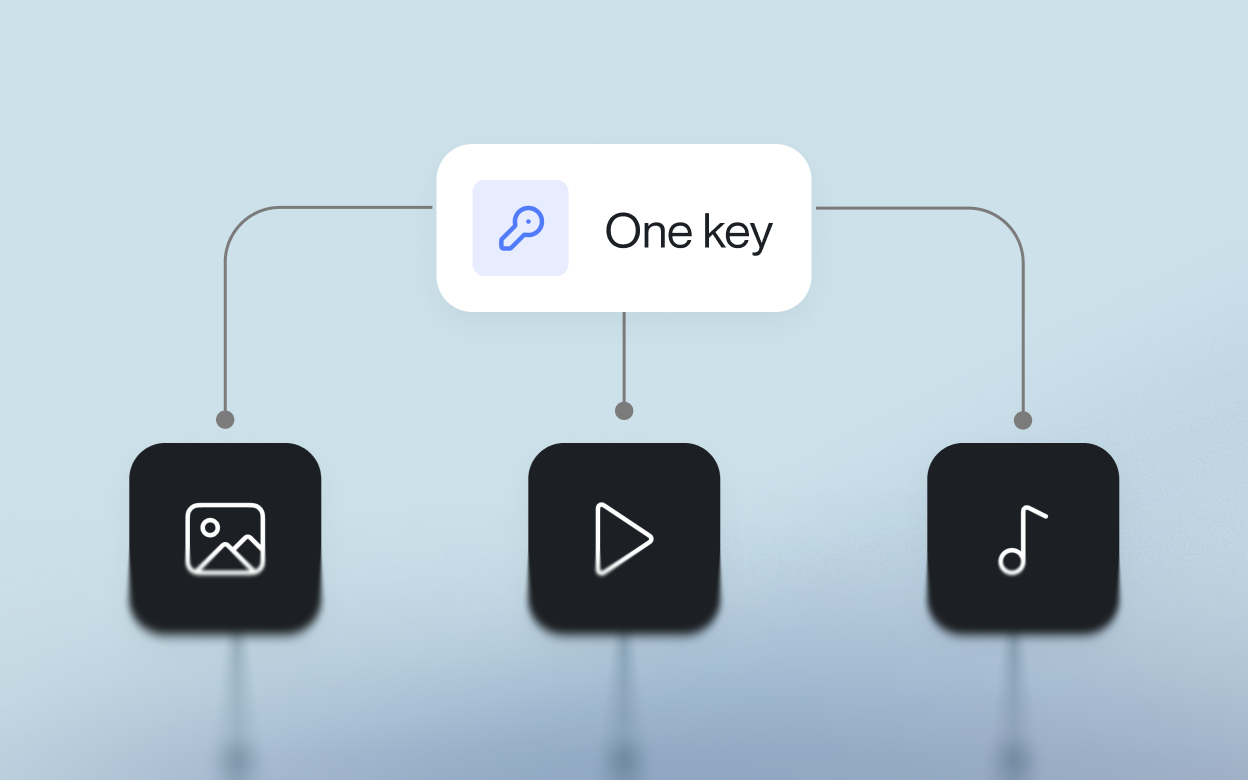
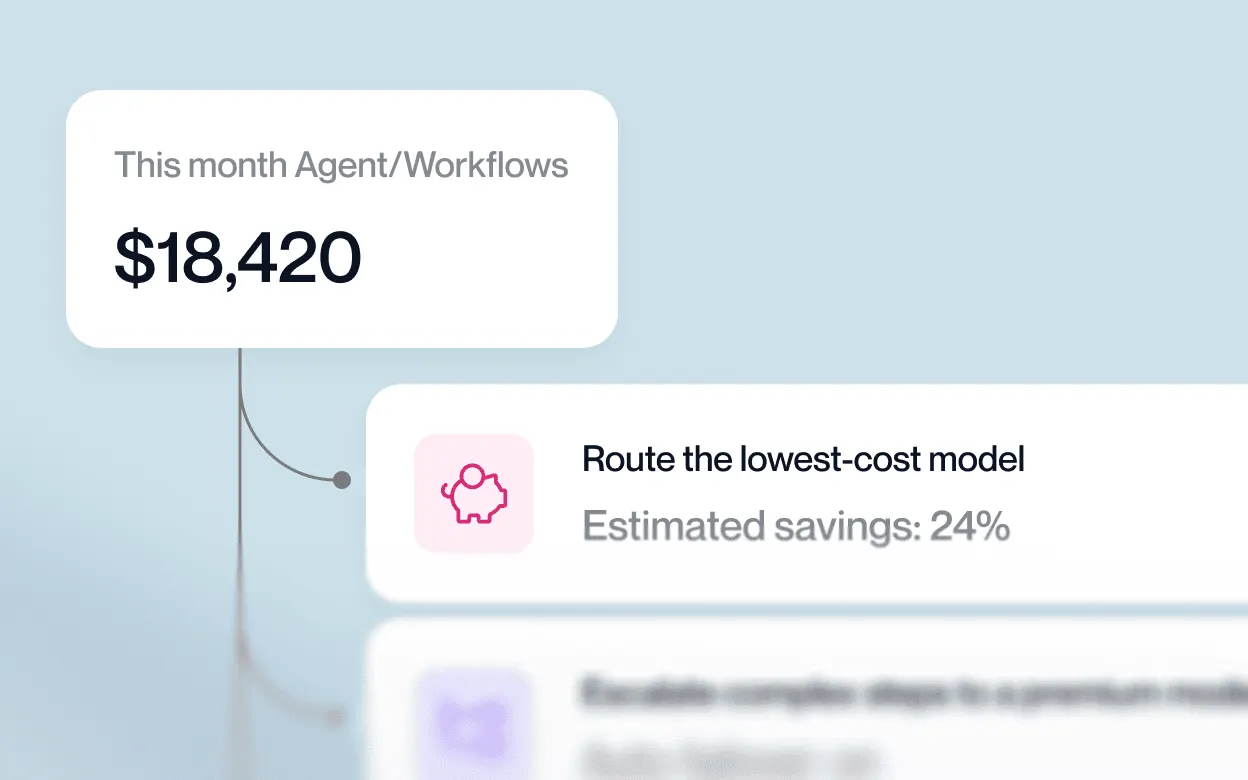
That is where LLM API fits naturally. It gives you one OpenAI-compatible API with access to 200+ models, plus routing, fallback protection, cost controls, unified billing, and team keys in one place.

Why use LLM API for real estate AI tools?

  • One API across many models
  • OpenAI-compatible setup for easier integration
  • Routing and fallback options for steadier performance
  • Unified billing and cost controls for simpler management
  • Team keys and usage visibility as your workflows grow

If you want to build real estate AI tools that stay fast, flexible, and easier to manage, LLM API is a strong layer to add. It keeps the integration simple while giving your team more room to scale without getting boxed into one provider. 

FAQs

Will AI replace real estate agents?

No. AI can speed up paperwork, marketing, and lead filtering, but buying/selling a home is high-stakes and emotional. People still want a human to negotiate, explain trade-offs, and handle the messy edge cases.

Is virtual staging legal?

Yes, but disclosure matters. Virtually staged photos should be clearly labeled so buyers don’t assume the home looks like that in real life.

What’s the easiest way for a new agent to start using AI?

Start small with ChatGPT (or similar) for:

  • listing descriptions
  • social captions and short scripts
  • client emails you don’t want to mess up
    Once that feels normal, then look at AI CRMs.

Our brokerage wants a custom website chatbot. How can LLM API help?

It gives you a more reliable setup with routing and fallbacks, so the bot keeps answering and capturing leads even if one provider is slow or down.

Can I route different real estate tasks to different models with LLM API?

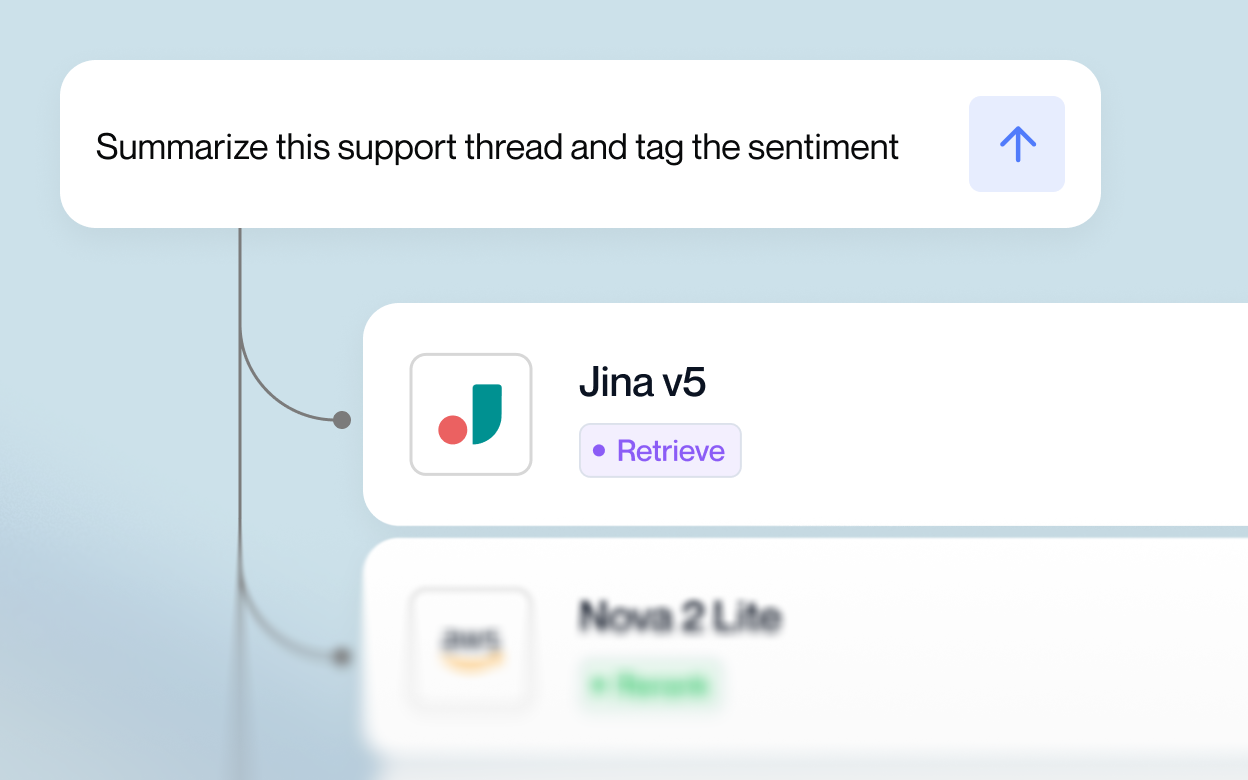
Yes. Use a fast/cheap model for quick tasks (lead tagging, FAQs), and a stronger model for delicate work (empathetic emails, tricky objections). One key, one endpoint, fewer moving parts.

Deploy in minutes

Get My API Key